
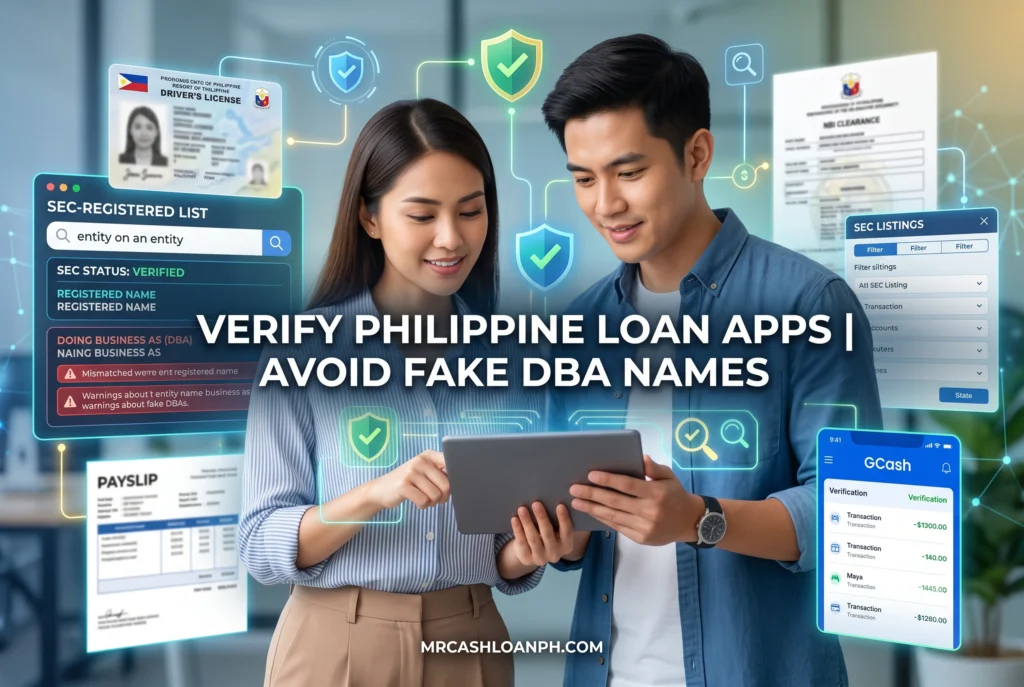
You see an ad on Facebook promising instant cash disbursement within ten minutes. Your rent is due, or maybe there is an urgent pharmacy bill you need to cover tonight. The app looks professional, the reviews seem decent, and the download button is right there. But a persistent fear holds you back. You have seen the news reports and heard the nightmare stories from friends: unauthorized access to phone contacts, threatening text messages sent to relatives, and public shaming on social media just for missing a payment by one day. You are right to pause. Protecting your peace of mind and personal data is just as important as fixing a temporary cash shortage. Taking five minutes to verify who is actually behind that screen can save you months of severe anxiety. Let’s walk through exactly how you can confirm you are dealing with a legally compliant company.
Summary:
To verify if an online loan app is legitimate, you must cross-reference its operating name against the official list published by the Securities and Exchange Commission (SEC). Borrowers often fail to find legitimate apps because they search for the commercial app name instead of the registered Corporate Entity Name. A legal lender must possess both a primary SEC registration and a specific Certificate of Authority (CA) to operate a financing company. By checking the SEC’s active directory and identifying the company’s “Doing Business As” (DBA) name, you can safely confirm if a lender is authorized, protecting yourself from predatory data harvesting and harassment.
Key Takeaways: Registered vs. Unregistered Lenders
| Feature | SEC Registered Lenders | Unauthorized / Predatory Apps |
| Certificate of Authority (CA) | Prominently displayed in app description and website. | Missing, fake, or stolen from a legitimate company. |
| App Name vs. Corporate Name | App clearly states its parent company (e.g., “Operated by XYZ Lending Corp”). | Parent company is hidden, untraceable, or completely omitted. |
| Data Privacy | Asks for standard KYC (ID, selfie) aligned with NPC guidelines. | Demands full access to contact lists and photo galleries. |
| Interest & Fees | Caps align with BSP circulars (max 15% nominal per month). | Exorbitant hidden fees deducted before disbursement. |
Why Is It Dangerous to Download Unregistered Lending Apps?
Downloading unregistered lending apps exposes you to severe data theft, aggressive debt collection harassment, and illegal interest rates. Because these operators ignore Philippine laws, they routinely steal your contact lists to shame you publicly if you miss a payment.
When our team tested several unregistered apps flagged on community forums, the red flags appeared before we even hit “submit” on the application. The moment you install a predatory app, it usually requests extensive permissions that have nothing to do with credit scoring. They want access to your phonebook, your SMS history, and your photo gallery.
If you accept these permissions, they immediately scrape your data. We have handled cases where borrowers were rejected for a loan, yet a week later, their relatives received threatening text messages about a debt that did not even exist. The SEC Corporate Governance and Finance Department (CGFD) consistently warns that unauthorized lenders operate as shadow entities. If they harass you, filing a police report becomes incredibly difficult because the physical addresses listed on their app stores are often fake, and the operators are based offshore.
What Is the Difference Between an App Name and a Corporate Entity Name?
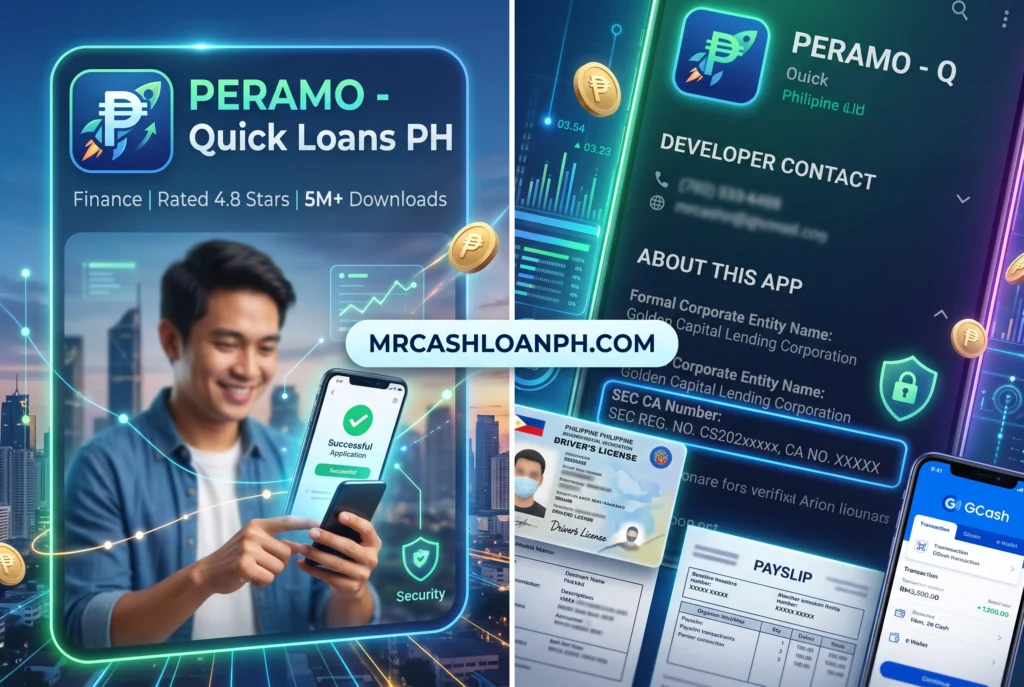
An App Name is the commercial brand (Doing Business As), while the Corporate Entity Name is the legally registered company that owns it. You must search the SEC database using the Corporate Entity Name, or you might wrongly assume a legal app is illegal.
This specific naming structure creates the most friction for borrowers trying to do the right thing. It is a concept known in corporate finance as a DBA or “Doing Business As” name.
Think of it like buying a Big Mac; you are buying it from McDonald’s Corporation. In the Philippine digital lending space, a borrower might download an app called “FastCash” (the App Name). But when they go to the SEC website and search for “FastCash,” nothing shows up. Panic sets in. However, if you look closely at the app’s terms and conditions, “FastCash” is merely a product operated by “XYZ Lending Corporation.” When you search for “XYZ Lending Corporation,” you find they are fully licensed and hold a valid Certificate of Authority.
Scammers know consumers get confused by this. They often name their illegal apps very similarly to the DBA names of legitimate companies to piggyback on their reputation. This is why you cannot rely on the app store title alone.
How Do I Actually Check if a Loan App is SEC Registered?
To check SEC registration, you must locate the app’s parent company name, visit the official SEC website’s lending company directory, and verify that their Certificate of Authority (CA) number matches their active status.
In our experience auditing fintech compliance flows, we notice that many borrowers give up because the government databases can feel clunky on mobile devices. Let’s break down the exact operational flow to make it painless.
Step 1: Where Do I Find the SEC List of Registered Lending Companies?
You can find the updated list of authorized lending and financing companies directly on the official SEC Philippines website under the Lending Companies section. Ensure you are looking at the most recently dated list, as companies are frequently suspended.
Open your browser and go to the SEC website. Navigate to the section dedicated to Lending and Financing Companies. The SEC publishes two distinct lists you need to care about:
- List of Registered Lending Companies.
- List of Registered Financing Companies.(Note: Financing companies have higher capitalization requirements than lending companies, but both are legally allowed to issue loans).
The SEC provides these lists in PDF format. Because these lists are updated periodically, always check the “As of [Month, Year]” date at the top of the document.
Step 2: How Do I Search the SEC Database for the App Name?
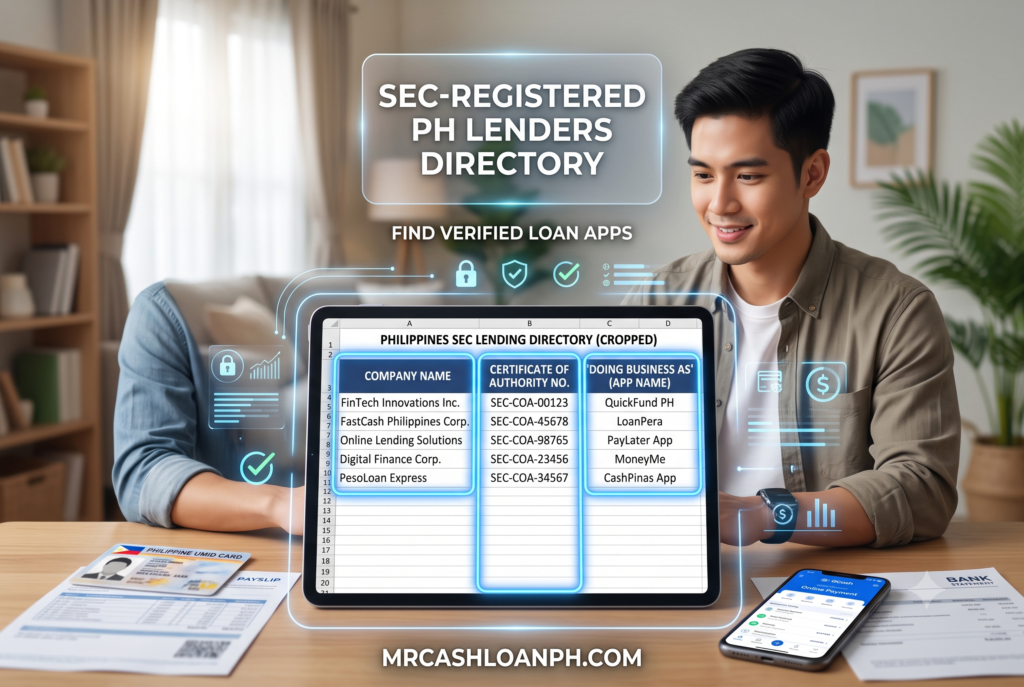
Open the SEC PDF directory and use the “Find” function to search for the app’s Corporate Entity Name, then check the “Doing Business Under the Name/s Of” column to confirm the app matches.
If you are on a smartphone, opening a 50-page PDF can be frustrating. Use your PDF viewer’s magnifying glass icon to search. First, type the exact name of the parent company you found in the app store description.
When you find the row containing the corporate name, look a few columns to the right. You will see a column specifically for DBAs or operating names. If the company is legitimate, your specific app’s name will be explicitly listed there. For instance, if you are checking a popular app, the corporate row might say “ABC Lending Inc.,” and the DBA column will explicitly list “Operated via SuperLoan App.”
Step 3: How Do I Verify the Certificate of Authority (CA) Number?
Compare the CA Number listed on the SEC directory directly against the CA Number displayed on the app’s loading screen, website, or promotional materials. If the numbers do not match perfectly, it is likely a fake app.
Having SEC corporate registration is not enough to lend money. A company might be registered as a generic IT business, but to issue credit, they require a secondary license called a Certificate of Authority (CA).
By law, lending apps are required to display their CA number prominently. You will usually spot it on the splash screen when the app opens, or at the very bottom of their official website. When our compliance team tests new lending products, we immediately grab that CA number and cross-reference it with the SEC list. We have caught several rogue apps that simply copied a legitimate company’s CA number. If the CA number matches a different corporate name entirely, close the app immediately.
Why Would an App Be on Google Play But Not on the SEC List?
An unregistered app can appear on Google Play due to review lags, deceptive app categorizations by developers, or by spoofing the identity of a legitimate company until they are caught.
It is a common misconception that being on an official app store guarantees safety. While Google has tightened its financial services policies in the Philippines – requiring developers to submit personal loan app declarations and proof of SEC approval – predatory lenders are highly adaptable.
In our direct observation, rogue operators sometimes upload an app categorized as a “financial calculator” or a “budget planner” to bypass strict credit checks. Once approved and live on the store, they push an update that transforms the app into a predatory lending platform.
Furthermore, the SEC issues cease-and-desist orders regularly, but there is an administrative lag between the SEC revoking a license and the app store removing the application from its servers. A company might have been suspended on a Tuesday, but their app might still be downloadable on a Friday.
What Should I Do if My Loan App is Not SEC Registered?
If you discover your app is unregistered, uninstall it immediately, restrict its app permissions, inform your contacts about potential spoofing, and report the operator to the SEC. Do not pay hidden fees out of fear.
If you are already caught in a cycle with an unregistered entity and they are threatening you, take a breath. Under Philippine law, unpaid debts are civil liabilities, not criminal offenses – you cannot go to jail simply for owing money, despite what abusive text messages might claim.
First, go into your phone settings and revoke all permissions (contacts, camera, storage) for the app, then delete it. Document everything. Take screenshots of their threats, the exact interest rates they forced on you, and their text messages.
Next, you need to file a formal complaint. You can use the SEC i-Message Mo platform or email their Enforcement and Investor Protection Department. It is highly recommended that you report blacklisted lenders to the authorities so telecom providers can block their numbers and the app stores can scrub them from the marketplace.
How Can I Safely Find Legit Loan Apps in the Philippines?
You can find safe lenders by starting your search directly from the SEC’s official list of licensed companies, or by using established digital banks heavily regulated by the Bangko Sentral ng Pilipinas (BSP).
Instead of clicking on random social media ads, reverse your process. Find the authorized companies first, then look up their corresponding apps.
If you are tired of manually checking CA numbers and digging through PDFs, another highly secure route is to borrow directly through established digital banks or e-wallets that you already trust. Platforms heavily regulated by the BSP have built-in credit options that follow strict consumer protection laws. If you need a reliable starting point for your research, you can review our vetted breakdown of legit loan apps in the Philippines, which only features entities that have passed rigorous compliance testing and maintain transparent fee structures.
Taking on debt is stressful enough on its own. You do not need the added trauma of dealing with digital loan sharks. Do the checks, verify the entity, and borrow safely.
References
- Securities and Exchange Commission (SEC) PhilippinesOrganization: SEC PhilippinesResource: List of Registered Lending CompaniesURL: https://www.sec.gov.ph/lending-companies-and-financing-companies-2/list-of-registered-lending-companies/
- Securities and Exchange Commission (SEC) PhilippinesOrganization: SEC PhilippinesResource: Enforcement and Investor Protection Department AdvisoriesURL: https://www.sec.gov.ph/investors-education-and-information/advisories/
- National Privacy Commission (NPC)Organization: NPC PhilippinesResource: Guidelines on Processing Personal Data for Loan ApplicationsURL: https://www.privacy.gov.ph/2019/09/npc-circular-no-19-01-guidelines-on-the-processing-of-personal-data-for-loan-applications/
Last Updated on September 9, 2026 by David Vargas
